Together
Both of you see every detail and can edit.
The shared calendar for couples
Bring both your schedules into one clear view, count your days together, and plan every trip as a team. You choose what your partner sees, one event at a time.
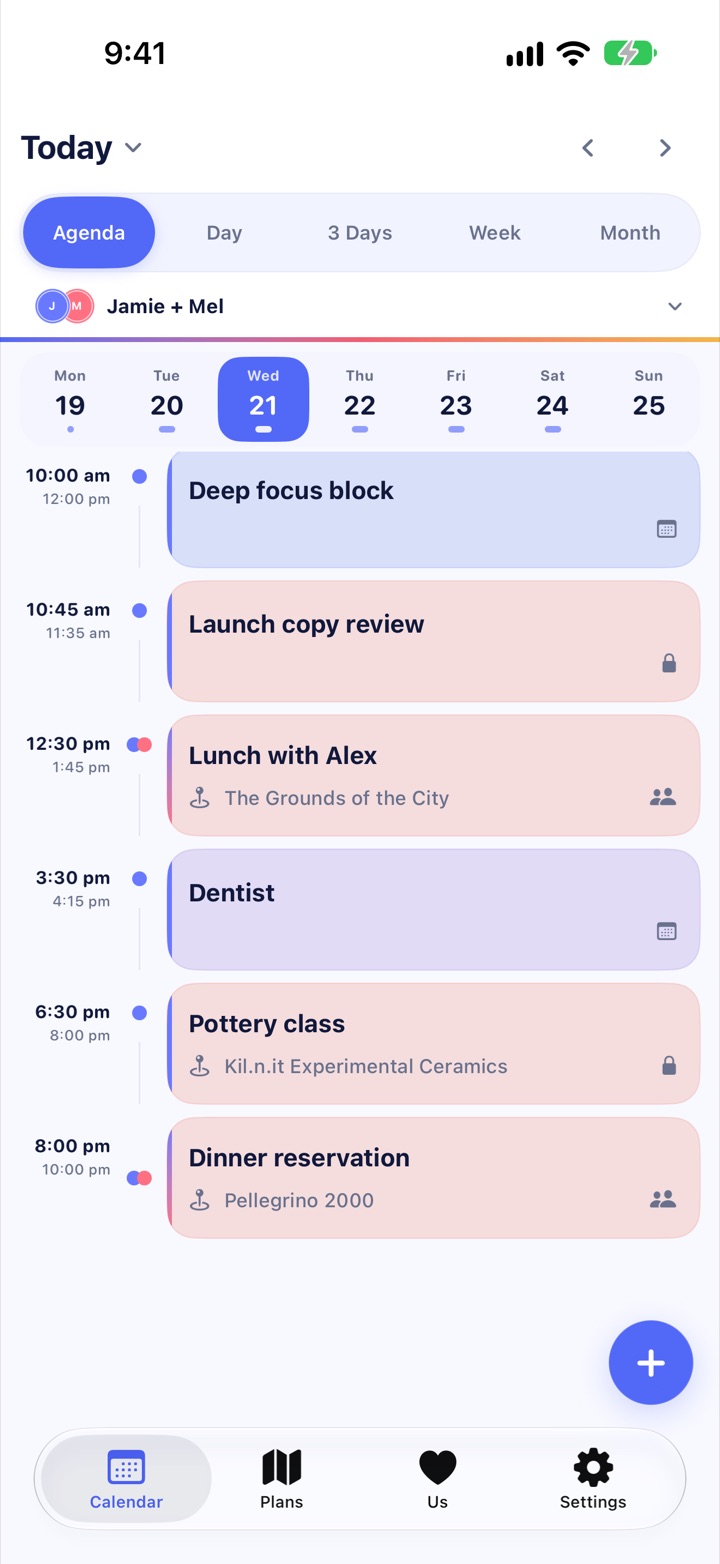
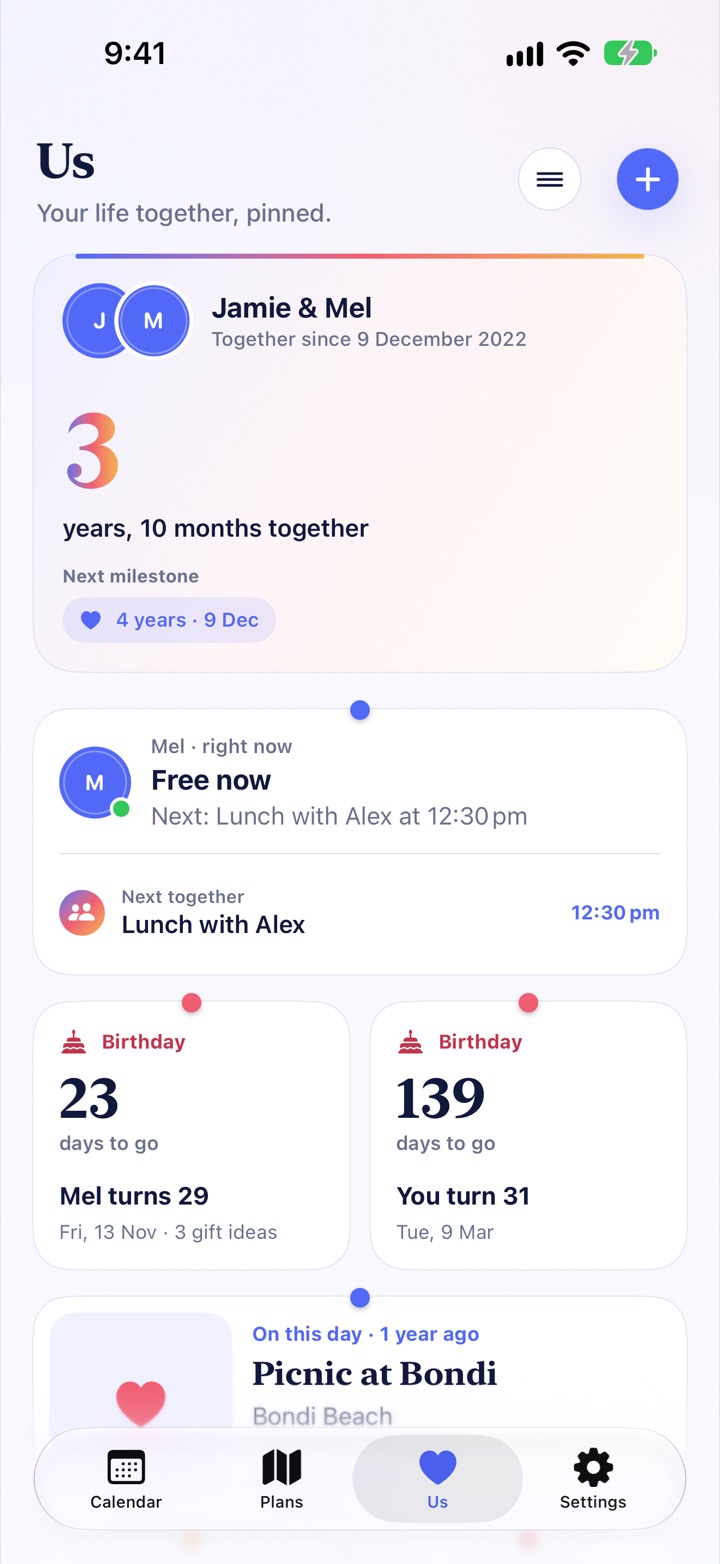
iPhone · iPad · iPhone Duo · Mac
Calendar
Every event is Together, Shared, Busy, or Hidden. Pick one when you add the event and change it whenever plans change.
Both of you see every detail and can edit.
Your partner sees the details while you stay in control.
Only the time is visible. Title, place, notes and people stay private.
Nothing is shared at all.
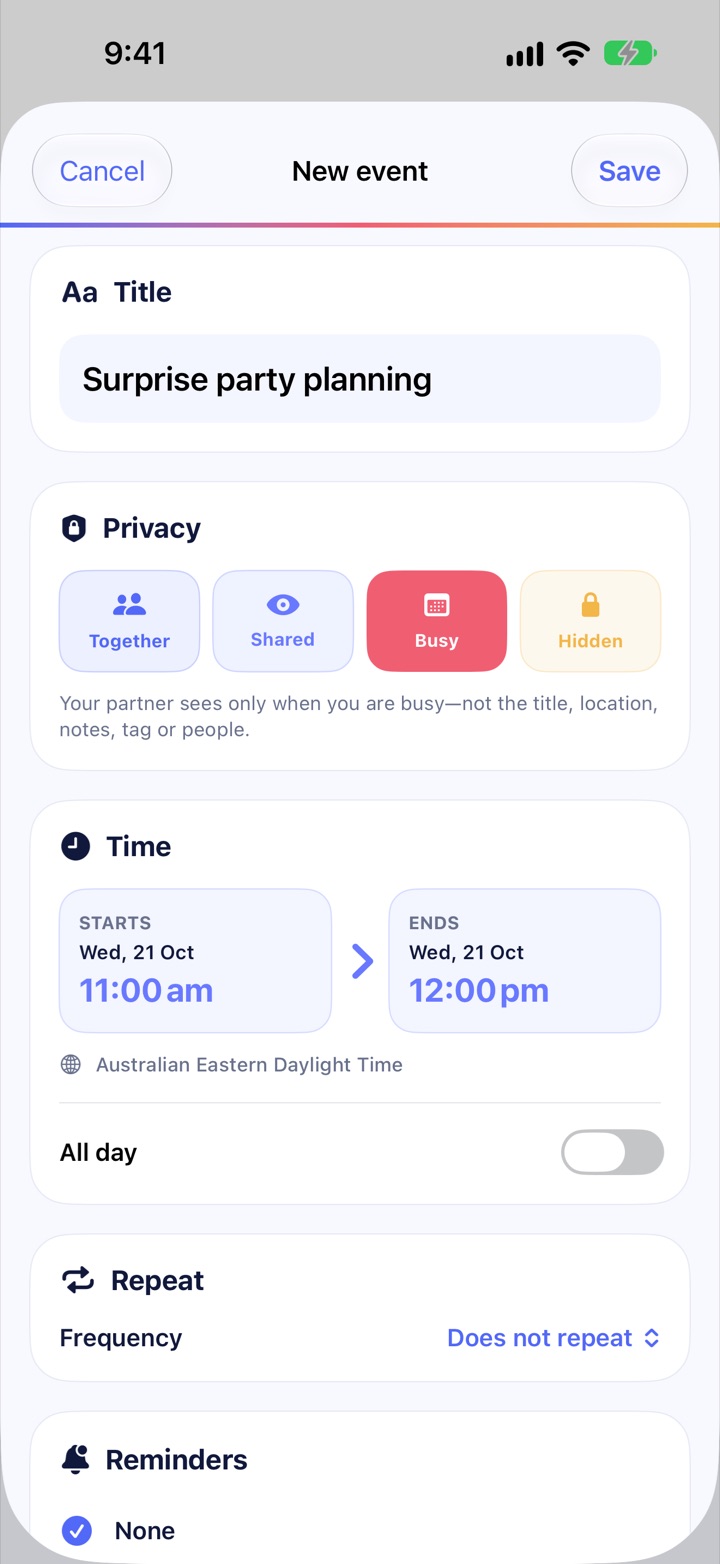
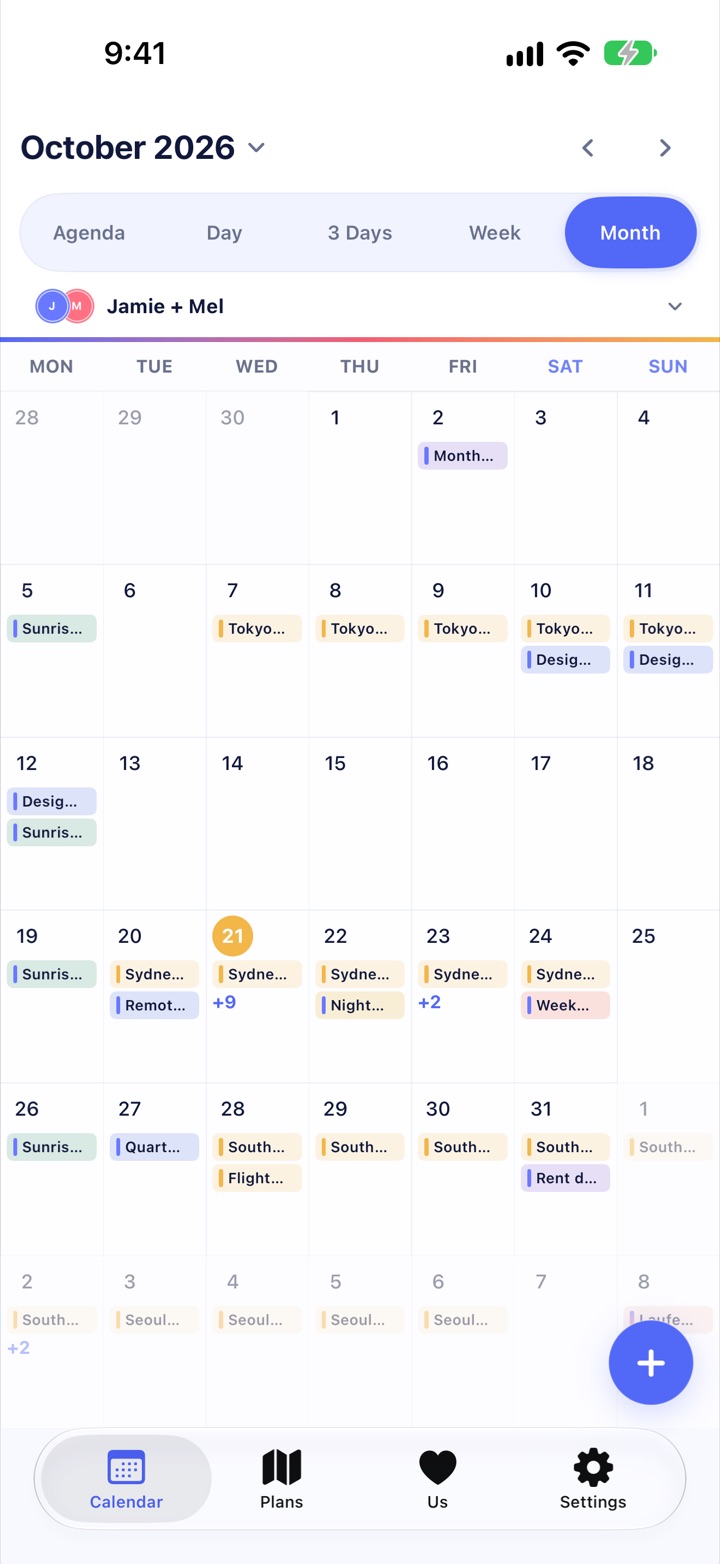
Agenda, Day, 3 Days, Week and Month, with both schedules side by side.
Colour-code events with your own tags. They are yours alone; your partner never sees them.
Birthdays, your anniversary and your own special days show up in Calendar every year.
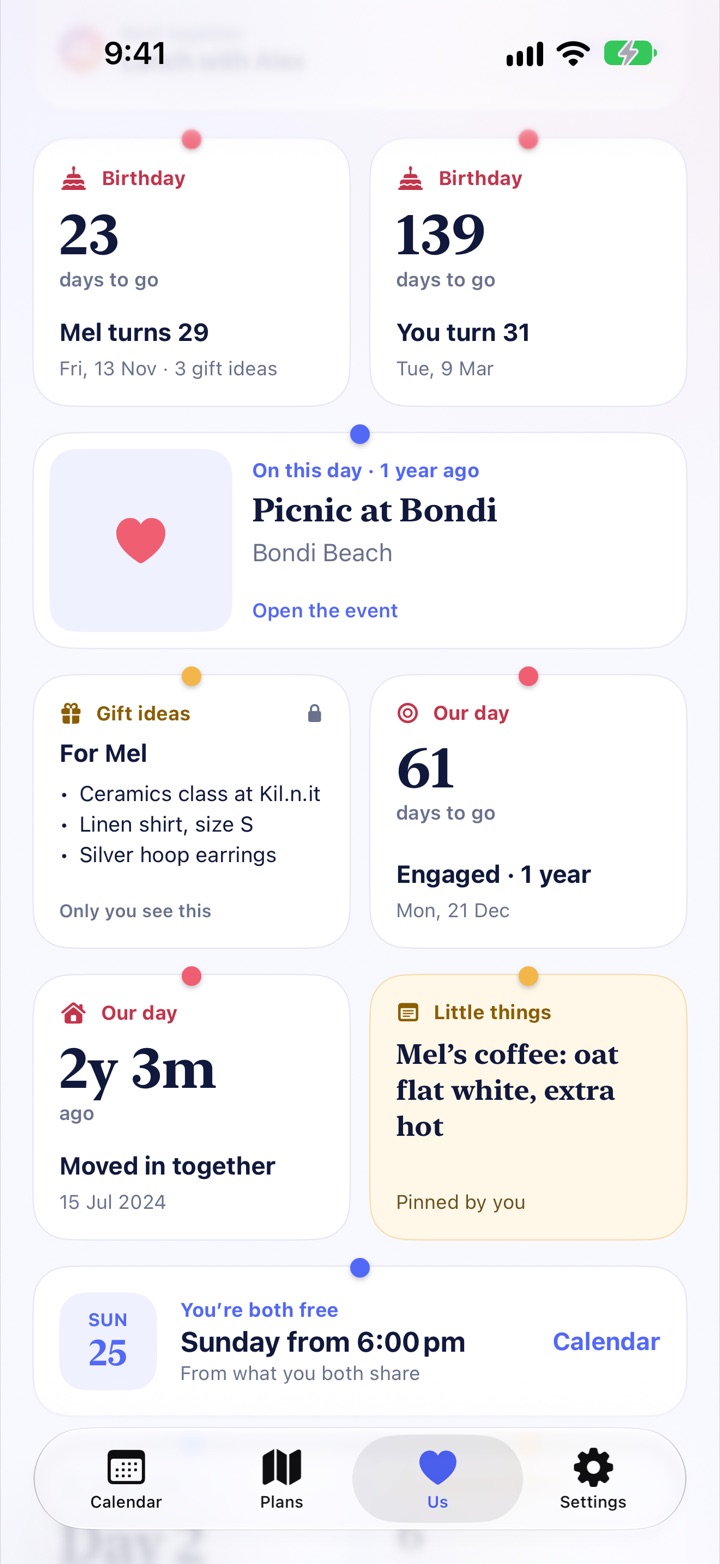
New in 1.4 · Us
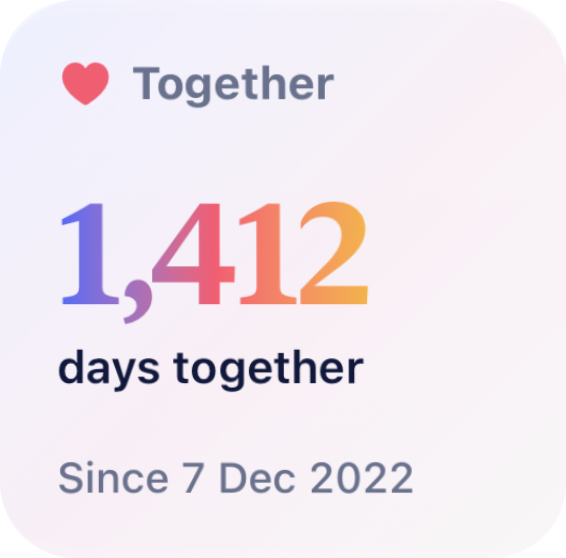
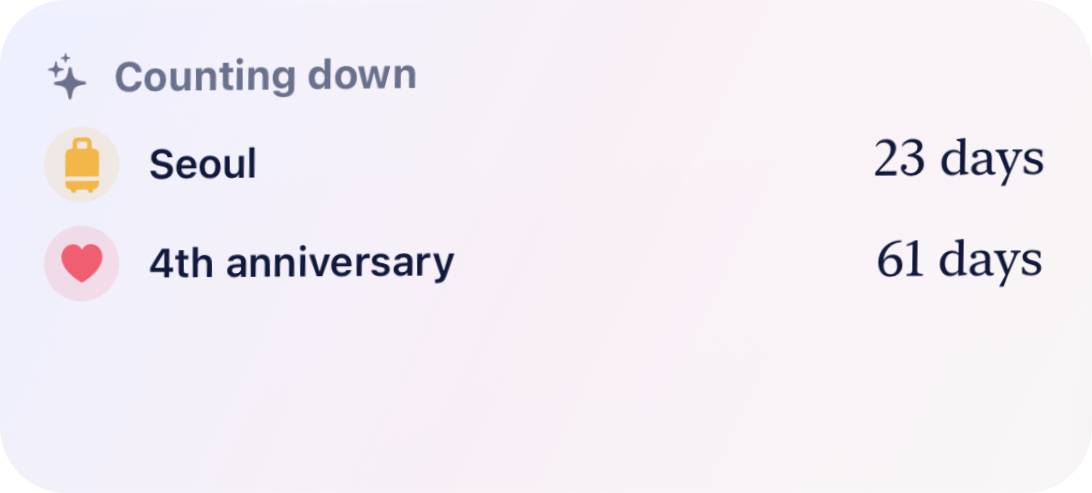
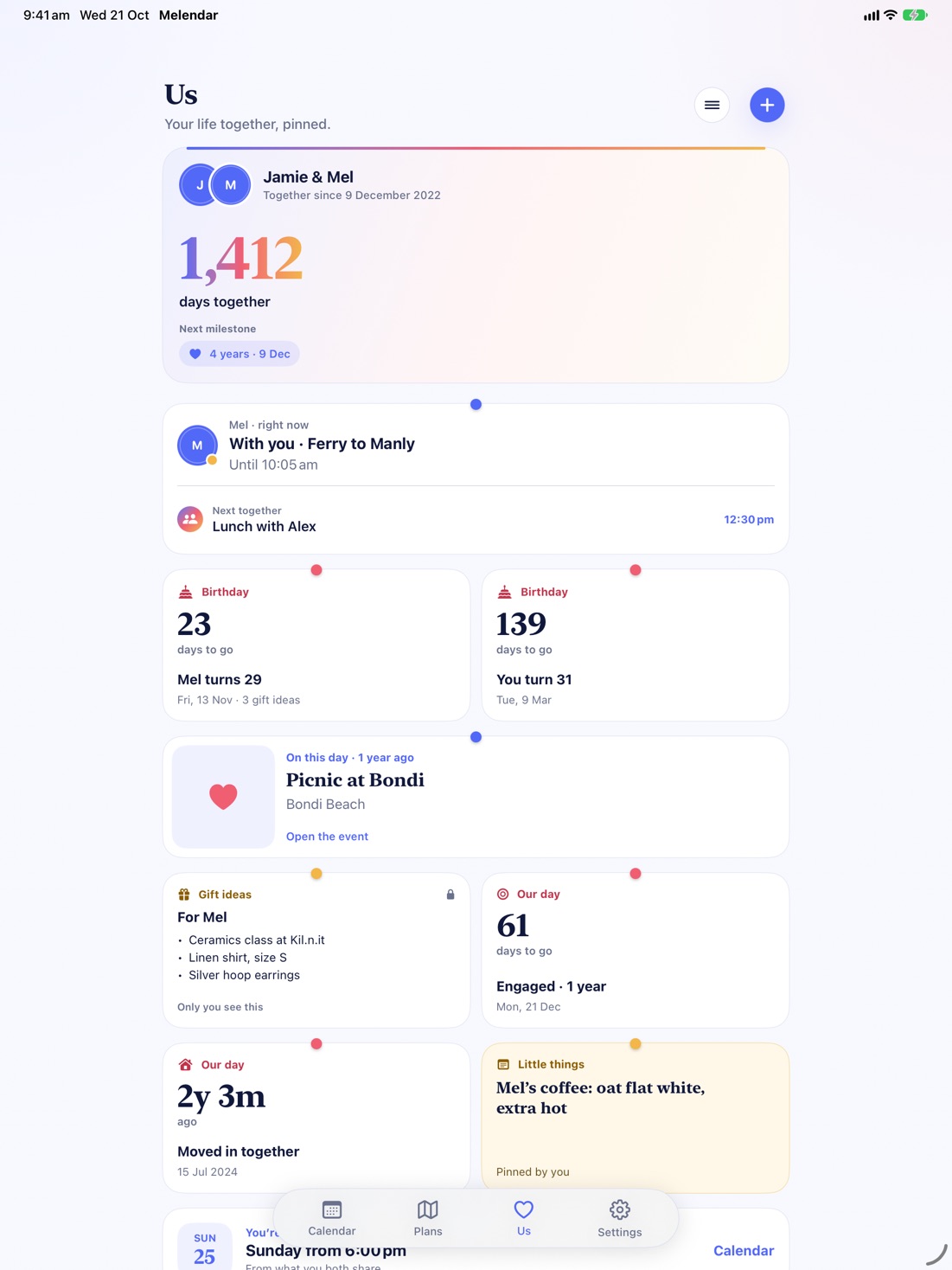
The Us tab pins your life together in one place: how long you’ve been together, what’s coming up, and the little things worth remembering.

Plans
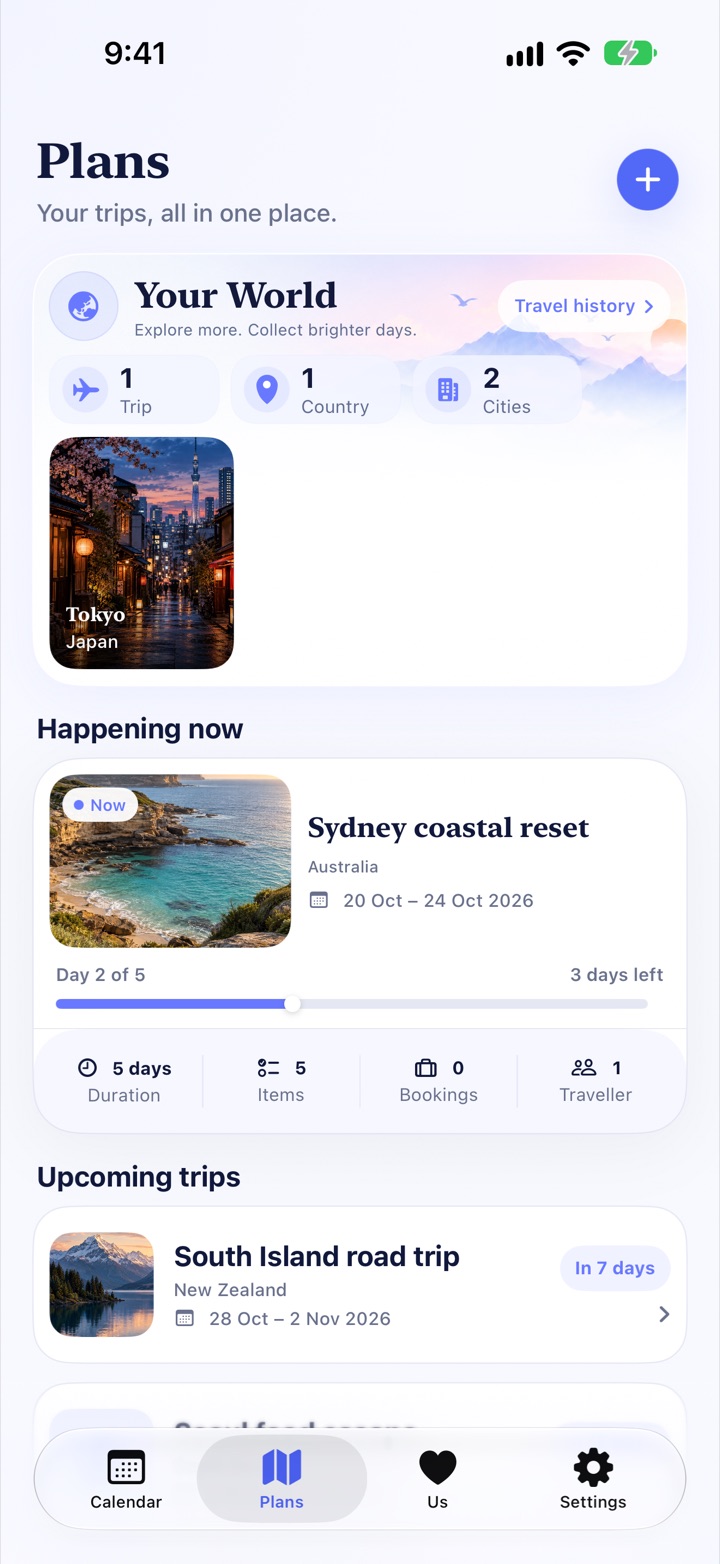
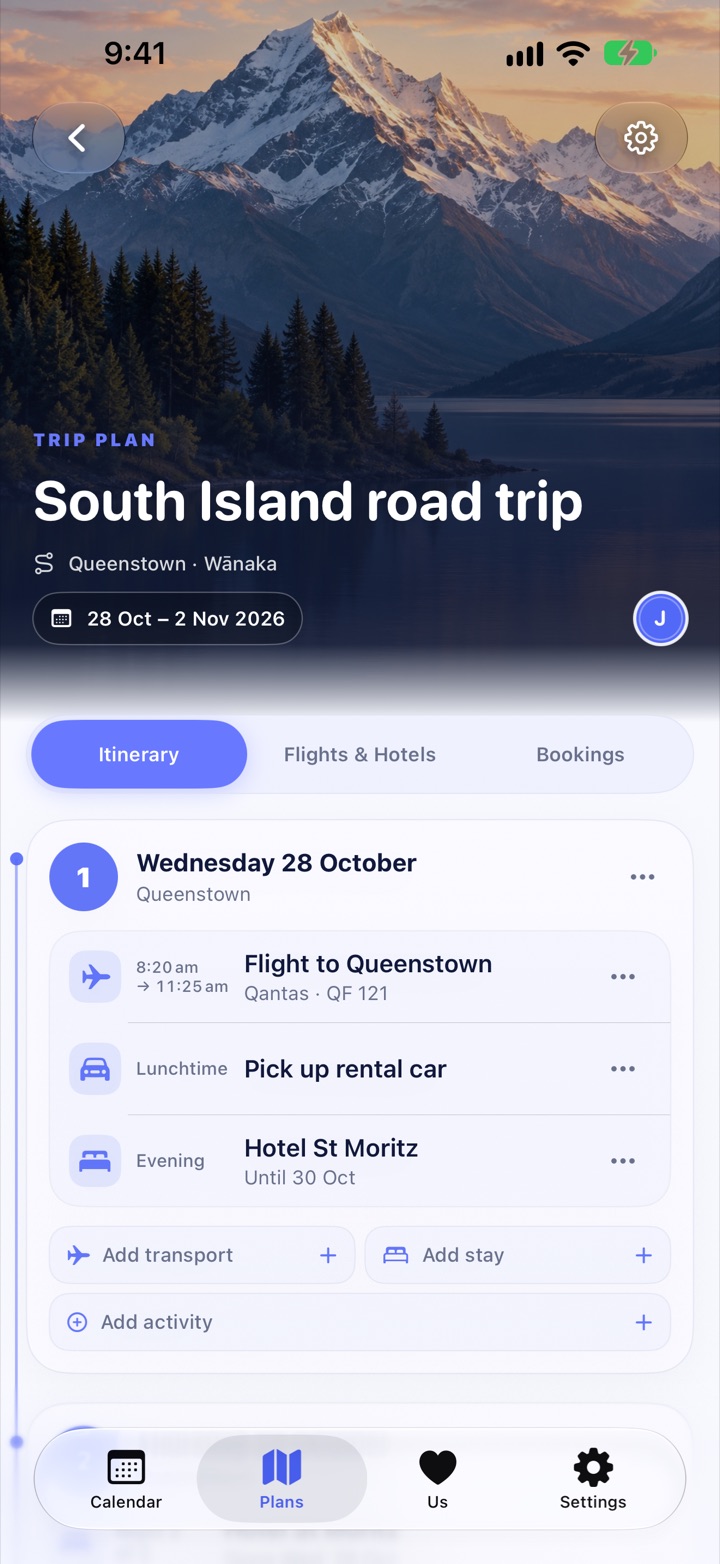
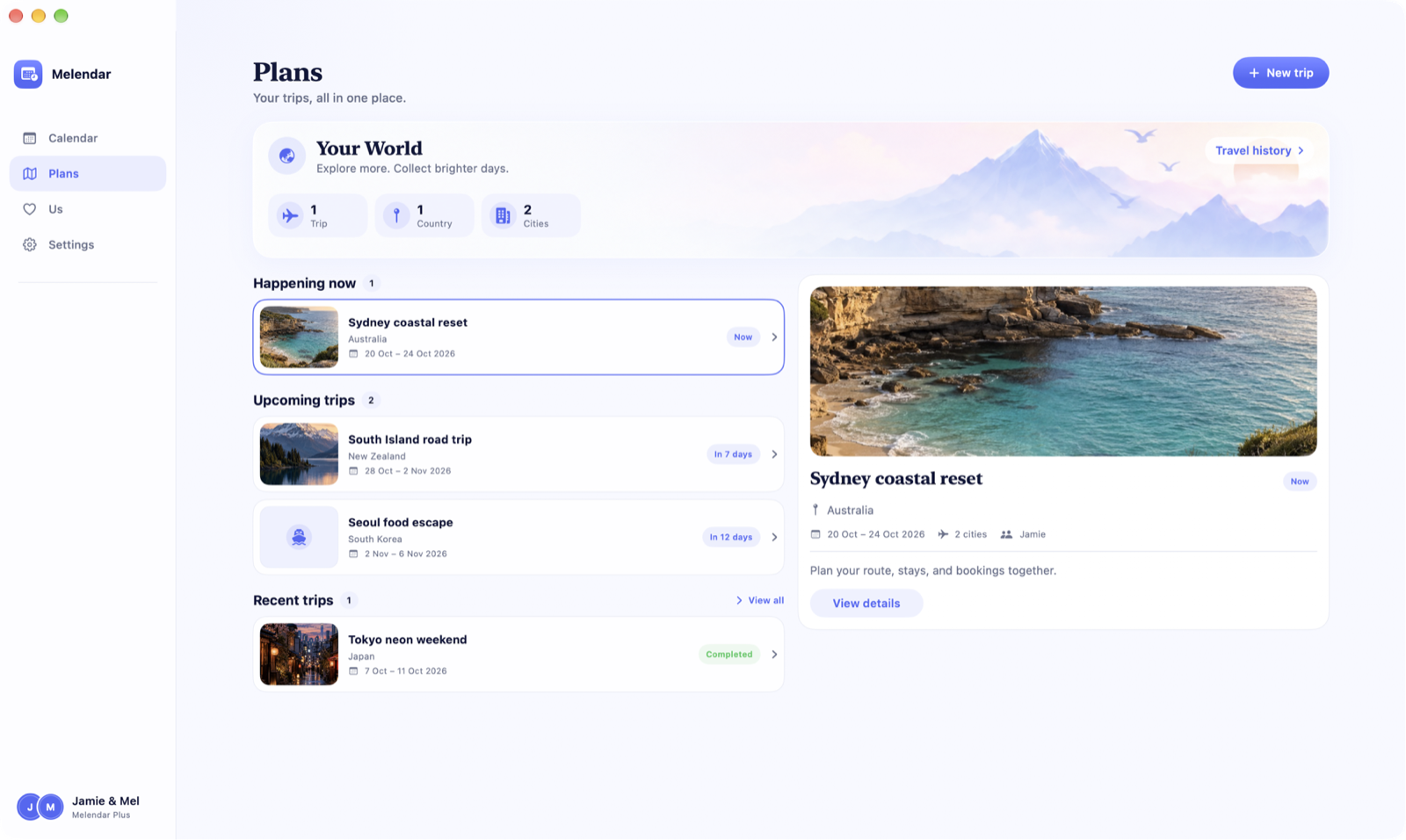
Turn an idea into a shared, day-by-day itinerary with flights, stays, bookings and places, right next to the calendar you already share.
Every screen
Melendar for Mac gives you the calendar, your trips and the Us tab in a proper window. Unfolded, iPhone Duo shows a seven-day week. Everything stays in sync through your iCloud.
Private by design
No advertising, no third-party analytics, and we never sell your information.
Your content stays on your devices and in your own iCloud account through CloudKit. We don’t run a content database.
A private, single-use invitation connects you with one person. Nobody else can join your calendar.
Export everything you own, disconnect, or delete all your Melendar data from Settings.
Pricing
Your partner never pays. Melendar Plus is one purchase, with no subscription.
For both of you, forever
One-time purchase, yours to keep
Questions, answered
Yes. Melendar is built for one person or one connected pair. You see both schedules together, count your days together, plan trips as a team, and choose what your partner sees for every event.
Yes. Every event is Together, Shared, Busy or Hidden. Busy shares only the time, and Hidden shares nothing with your partner. You can change it whenever plans change.
No. The calendar, the Us tab, every widget and the connection itself are free for both of you. Each person can create three trips and pin three of their own days on Us for free. Melendar Plus is a one-time purchase that unlocks unlimited trips and days, and your partner can still edit any trip you share without buying anything.
On your Apple devices and in your iCloud account through CloudKit. What you share with your partner lives in a shared iCloud space between the two of you. There are no ads, no third-party analytics SDKs and no developer-run content database.
Yes. Melendar runs on iPhone, iPad, iPhone Duo and Mac. Sign in with the same Apple Account and everything stays in sync through iCloud, including Melendar Plus.
Either of you can end the connection from Settings. You choose whether to keep what was shared with you as private copies or remove it. Your own events and trips always stay yours.
Free on the App Store for iPhone, iPad and Mac.